

A smarter way to monitor permit workflows, updates, and required follow-up.
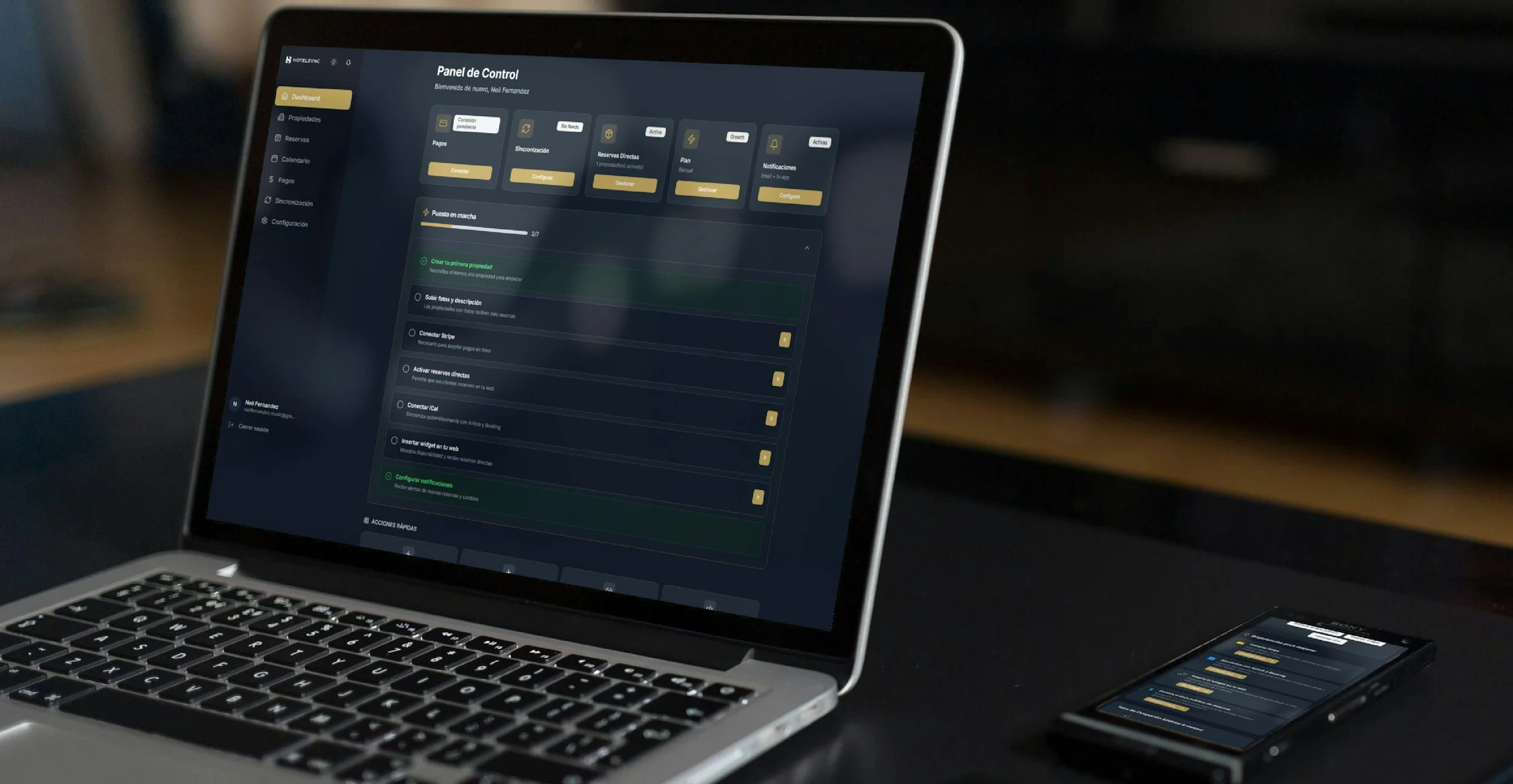
Permit Central Pro helps companies track permit activity more clearly with centralized visibility into status changes, workflow updates, and next steps across municipalities.
Permit tracking gets harder when updates are easy to miss.
Permit activity often moves across multiple jurisdictions, portals, and internal follow-up steps. When statuses change, documents are requested, or approvals move between departments, it becomes harder to maintain visibility and know what action needs to happen next.
Permit Central Pro gives companies a clearer way to monitor permit workflows, stay aware of updates, and follow permit activity more efficiently from submission through status changes and required follow-up.
What WE Help You Do
-
Monitor permit activity across active workflows
-

View status changes in one dashboard
-

Stay aware of document requests and workflow updates
-

Improve visibility into required follow-up
-

Reduce manual tracking across municipalities
Built for Better Permit Visibility
Permit Central Pro is designed to help teams stay aware of changing statuses, understand where applications are in the review process, and keep up with required follow-up more clearly across active workflows.
Status Monitoring
Track updates such as submitted, in review, approved, denied, or additional information needed.
Workflow Awareness
Get clearer visibility into what changed and what may require action next.
Centralized View
See permit activity in one place instead of relying only on manual internal tracking.
Who It Is For
Built for companies managing permits, permit follow-up, and related tracking across municipalities.
This includes organizations that need better visibility into permit progress, workflow updates, and required next steps across active jobs.

Permit types tracked



Signage permits
Related compliance or certificate tracking tied to active jobs
More to come!
annual license
$2,250 / per year per location

how it works
Step 1
Purchase Access
Purchase your annual user license for the platform.
Step 2
Complete Onboarding
Submit your company details and onboarding information so the required portal interfaces can be configured for your setup.
Step 3
Start Monitoring Activity
Use Permit Central Pro to monitor permit workflows, status changes, and required follow-up more clearly.
question?
For product questions, purchase details,
onboarding information.
Contact Us!